Write once, send later. Format with bold, italic and lists, attach images, PDFs, ZIP files, voice notes and posters – WaFlow delivers them exactly on time.

Built for shop owners, marketers, teachers, agents and anyone who sends a lot of WhatsApp messages.
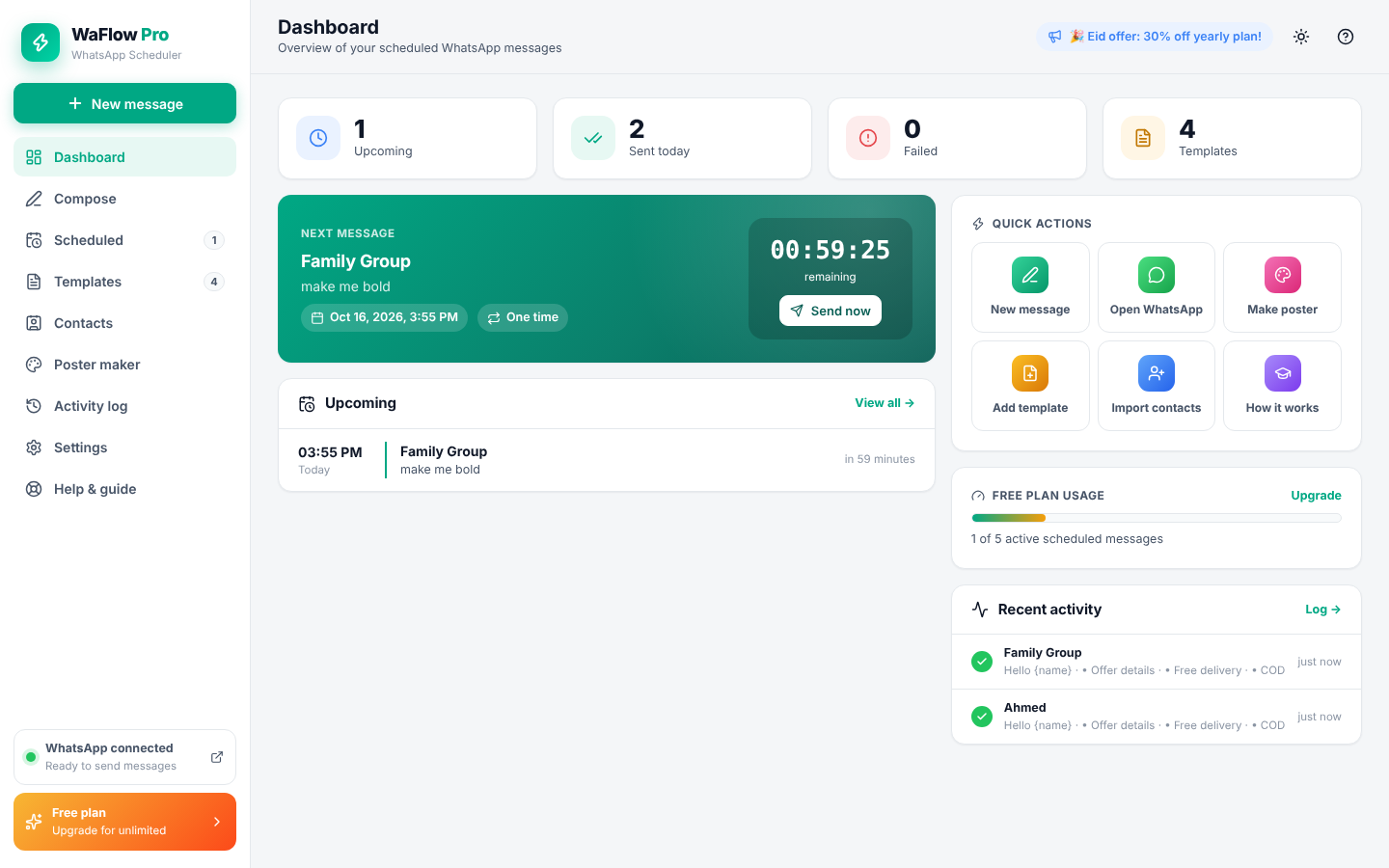
Pick date & time, or use quick buttons like “Tomorrow 9 AM”. Messages are sent even after a Chrome restart.
Daily, weekdays, weekly on chosen days, monthly or yearly – perfect for reminders and greetings.
Bold, italic, strikethrough, monospace, quotes, bullets, numbers, arrows and checklists in one click.
See exactly how your message will look – including images and documents – before it is sent.
Attach photos, videos, documents, ZIP/RAR files and audio. Text can be sent as the caption.
Record your voice inside the extension and schedule it like any other message.
Design sale, event and Eid posters with ready-made templates, then attach them instantly.
Save customers once, group them into lists and import hundreds from CSV.
Use {name}, {date}, {greeting} and random spintax so every message feels personal.
Save offers, replies and reminders as templates and reuse them in a second.
Format text and schedule straight from any chat in WhatsApp Web.
Everything stays in your browser. Human-like delays protect your number.
Add WaFlow to Google Chrome or Microsoft Edge and pin it to your toolbar.
Log in once by scanning the QR code with your phone. Keep it signed in.
Write your message, attach files, pick a time – WaFlow sends it for you.
Start free. Upgrade when you need unlimited scheduling, repeat and bulk sending.
For personal use
Perfect to try all Pro features
Best value for businesses
Pay once, use forever
Yes. WaFlow sends through WhatsApp Web in your browser, so the computer must be on, Chrome open and WhatsApp Web logged in at the scheduled time. Missed messages are sent as soon as Chrome starts again.
Yes. Enter any number with country code. You can also send to saved contacts and groups by their chat name.
Choose a plan, pay with JazzCash, EasyPaisa or bank transfer and submit the transaction ID. After verification you receive your license key, which you enter in the extension → Settings → License.
It depends on the plan (1–3 computers). You can move your license any time by deactivating it on the old computer.
WaFlow behaves like a human with random delays. Only message people who expect to hear from you – sending spam can get any account blocked by WhatsApp.
Join businesses saving hours every week with WaFlow Pro.
Get started now